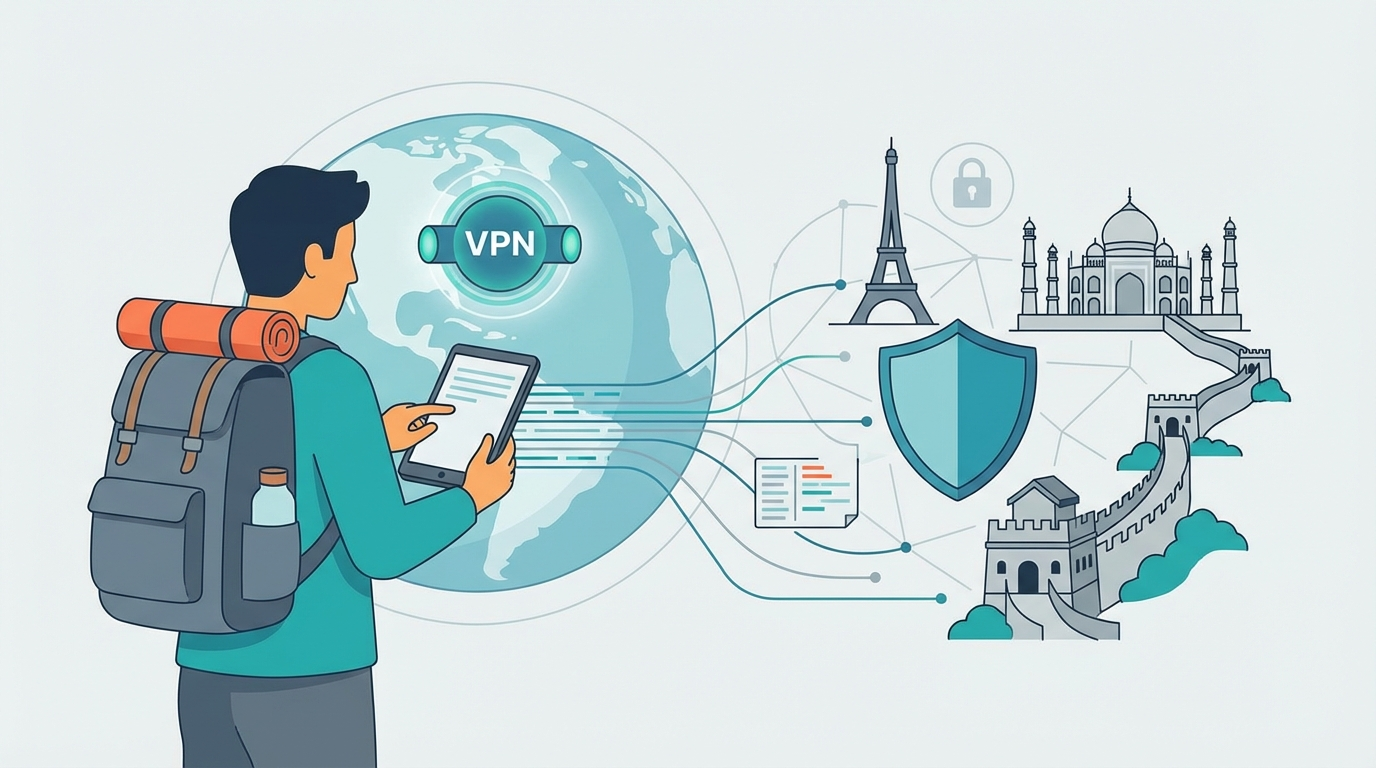
Why Every Traveler Needs a VPN in 2026
From a strategic perspective, traveling without a VPN in 2026 exposes you to three distinct risks: public Wi-Fi interception, geographic content blocking, and ISP surveillance in countries with less internet freedom. The key differentiator here is that these aren't hypothetical risks — hotel Wi-Fi networks are a known attack vector, and dozens of countries block content ranging from social media to news sites.
A travel VPN solves all three problems simultaneously: it encrypts your connection on any network, makes your traffic appear to originate from your home country, and bypasses regional content blocks.
Step 1: Choose a VPN Before You Leave
The most important rule of travel VPN use: install and test your VPN before you travel. Some countries block VPN websites and app stores — once you're in the country, it may be too late to download the software. Key selection criteria for a travel VPN:
| Criteria | Travel Priority |
|---|---|
| Server coverage in your destination country | Essential — check for servers in countries on your itinerary |
| Obfuscation technology | Critical for China, Russia, UAE — makes VPN traffic look like regular HTTPS |
| Simultaneous connections | Important — cover phone, laptop, tablet with one subscription |
| Kill switch | Prevents data exposure if VPN disconnects on sketchy hotel Wi-Fi |
| No-log policy | Protects you in jurisdictions that might compel provider to share data |
Compare the best VPNs for travel or explore budget travel VPN options if cost is a primary concern.
Newsletter
Get the latest SaaS reviews in your inbox
By subscribing, you agree to receive email updates. Unsubscribe any time. Privacy policy.
Step 2: Install and Verify Before Departure
Pre-departure checklist:
- Install the VPN app on all devices you're bringing
- Download offline maps of your destination (in case you need to navigate without internet)
- Test the VPN on your home Wi-Fi — connect to a server in your home country and verify your IP shows correctly
- If traveling to a restricted country (China, Iran, Russia): test the obfuscation mode specifically
- Save the VPN's manual setup instructions (IKEv2 credentials) in case the app doesn't work
Step 3: Use It on Every Network
The key differentiator between travelers who get compromised and those who don't: consistent VPN use. Enable your VPN on:
- Hotel and hostel Wi-Fi: Even paid hotel networks are frequently insecure
- Airport lounges and café networks: Public networks should always be treated as hostile
- Mobile data abroad: Less critical (cellular is encrypted by default), but useful for geo-blocking purposes
- Cruise ship Wi-Fi: Notoriously slow and insecure — a VPN can sometimes improve routing too
Step 4: Access Your Home Streaming Services
Streaming services like Netflix, BBC iPlayer, Hulu, and Disney+ have geo-restricted content libraries. When you travel, you lose access to the shows and services you pay for at home. Your travel VPN solves this:
- Connect to a server in your home country
- Open your streaming app — it will now show your home library
- If the streaming service detects your VPN (they have IP blocklists), try a different server in the same country
Not all VPNs reliably unblock streaming. Check streaming compatibility specifically for your primary services before choosing a travel VPN.
Step 5: Handle VPN-Restricted Countries
Several countries actively block VPN connections. If you're visiting China, Russia, UAE, or other restricted markets:
- Use a VPN with obfuscation ("stealth" mode) that disguises VPN traffic as normal HTTPS
- Download and test obfuscation mode before arrival — not all servers support it
- Have a backup VPN downloaded (some work when others don't)
- Note that VPN use is legal in most countries for travelers; research your specific destination's regulations
The Bottom Line
Using a VPN while traveling abroad is one of the simplest security decisions with the highest return on protection. From a strategic perspective, the investment is minimal (most travel VPNs cost $3–8 per month), the setup takes 10 minutes, and the protection is immediate on every network you use. Install it before you go, enable it on every new network, and travel with one less thing to worry about.